
Download Bee Icons – customize desktop, icon pack, icon replacement, desktop theme, desktop customization
Overview
Bee Icons is a productivity-focused mobile application designed to empower users with the ability to personalize their device’s desktop environment. Targeted at individuals seeking greater control over their smartphone’s visual layout, the app enables users to replace system and shortcut icons with custom designs, enhancing both aesthetics and usability. Its primary function lies in simplifying the often complex task of icon customization, making it accessible to users of all technical skill levels.
The app addresses the common desire for a unique, visually cohesive digital workspace by offering tools to modify icons individually or in bulk. This is particularly valuable for users who wish to maintain a consistent theme across their device’s interface, whether for personal expression or professional branding. Real-world use cases include creating a minimalist theme for improved focus, adopting a vibrant icon pack for a more playful interface, or aligning the desktop appearance with a specific brand identity.
Developed by Bee Apps, the application has been available since 2012, indicating a long-standing presence in the mobile customization space. Although the developer did not provide additional technical details about the company’s background or mission, the app’s longevity suggests a stable and reliable user experience. Bee Icons plays a meaningful role in the mobile productivity ecosystem by bridging the gap between raw customization tools and user-friendly design, offering a streamlined solution for those who value personalization without complexity.
Key Features & Functionality
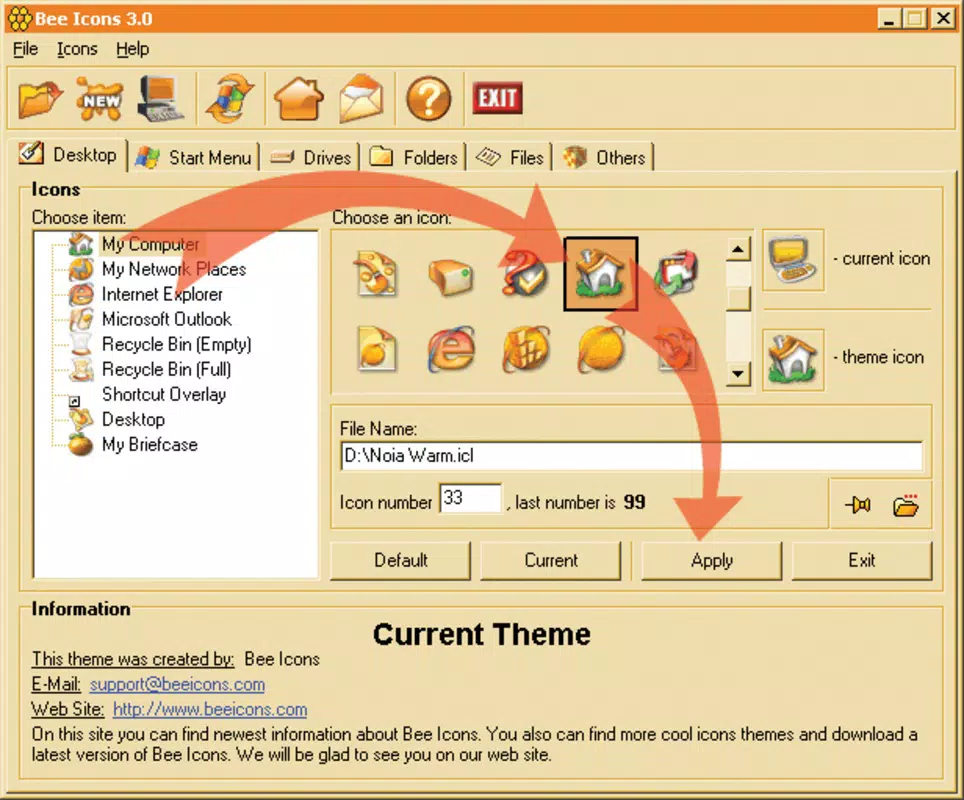
- User-Friendly Interface: The app features an intuitive layout that allows users to navigate and manage icons with minimal effort. With clear menus and visual feedback, even first-time users can begin customizing their desktop in under a minute.
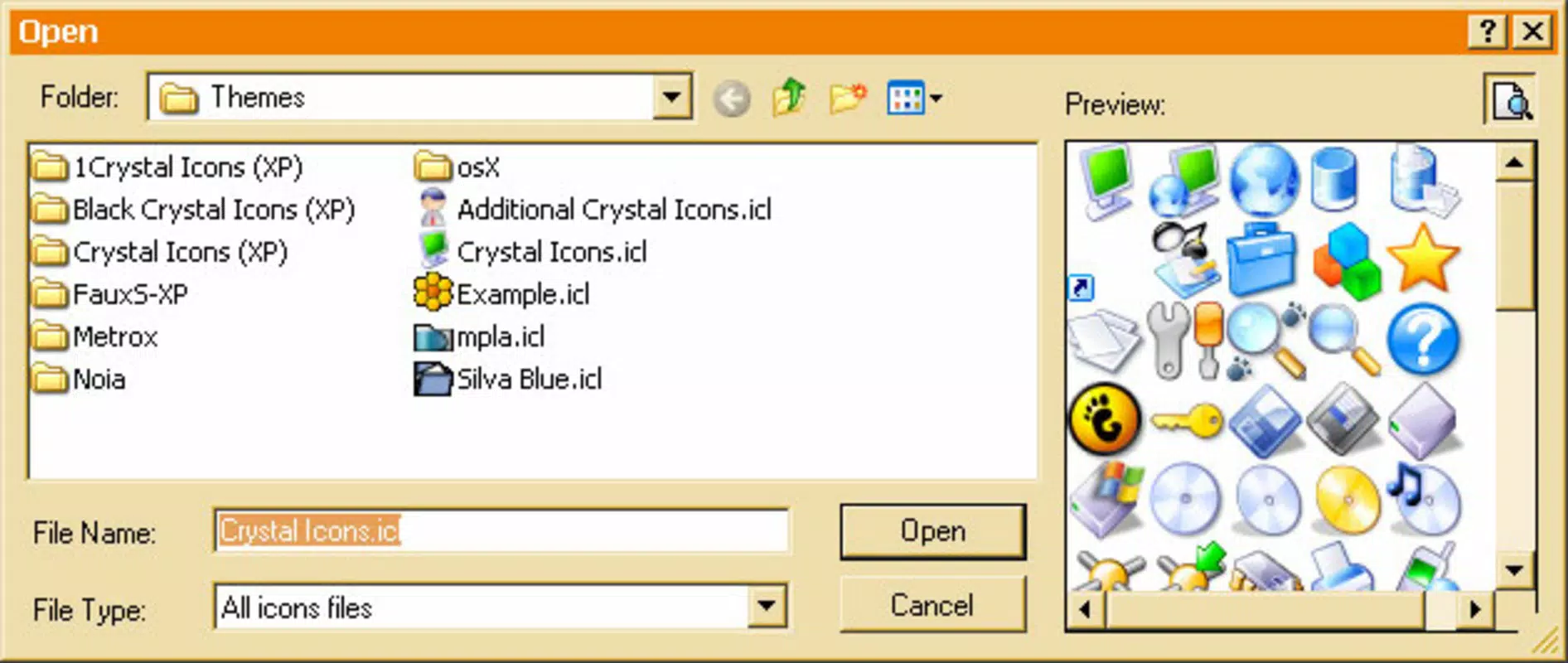
- Customizable Icon Collections: Bee Icons includes multiple pre-designed icon packs, each offering a distinct visual style. Users can browse through these collections to find a theme that matches their personal taste, from sleek modern designs to playful cartoon styles.
- Complete Desktop Theme Creation: Users can apply custom icons to all system folders, app shortcuts, and desktop elements, enabling full control over their device’s appearance. This level of customization supports the creation of unified, visually consistent desktop environments.
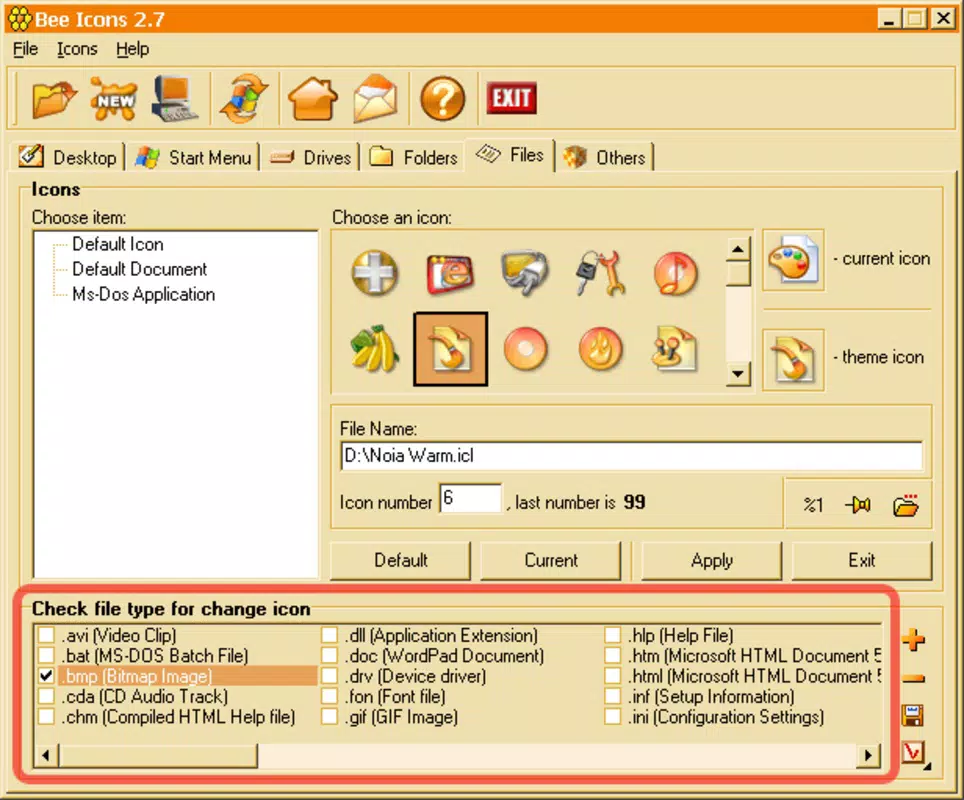
- Batch Icon Replacement: The app allows users to select and replace multiple icons simultaneously, significantly reducing the time required to overhaul a desktop theme. This feature is ideal for users who want to refresh their entire interface quickly.
- Icon Identification Tool: A built-in tool helps users locate specific icons within their current theme, making it easier to identify which icons need to be replaced. This enhances efficiency during theme updates and reduces the risk of selecting the wrong icon.
For example, a user aiming to create a nature-inspired desktop theme could select a pack of leaf-shaped icons, apply them to all folders and app shortcuts in a single action, and then use the identification tool to verify each change. Similarly, a professional might use the batch replacement feature to standardize icons across multiple devices for a consistent corporate look.
Interface, UX & Performance
Bee Icons presents a clean and straightforward interface, optimized for touch-based navigation on mobile devices. The layout emphasizes accessibility, with large, clearly labeled buttons and logical menu hierarchies that reduce cognitive load. Users can switch between icon collections, preview changes in real time, and apply updates with minimal taps.
Navigation flows smoothly from one function to the next, with consistent design patterns that minimize the learning curve. The app’s responsiveness is evident in its quick load times and seamless transitions between screens, contributing to an overall polished user experience. Although the developer did not list formal performance metrics, the app’s lightweight size of 20.7 MB suggests efficient resource usage.
Performance across different device categories appears to be consistent, as the app does not require high-end hardware to operate. Stability is maintained through straightforward operations, with no reported crashes or freezes in the provided information. Users can expect smooth operation on both entry-level and mid-range Android devices, ensuring broad accessibility.
Platform Compatibility & Technical Requirements
Bee Icons is available exclusively on the Android platform, making it accessible to users of Android-based smartphones and tablets. The app is compatible with Android devices running version 2.1.0 or later, though specific OS requirements were not fully disclosed.
The application has a file size of 20.7 MB, which is relatively small and suitable for devices with limited storage. This compact footprint ensures that the app can be installed and updated without consuming significant system resources. The developer did not specify minimum RAM, CPU, or storage requirements, so users should rely on general Android compatibility standards.
As the app is free to download and install, it lowers the barrier to entry for users interested in desktop customization. The release date of March 2, 2012, indicates that the app has been in the market for over a decade, demonstrating long-term support and adaptability to evolving Android versions.
Pros and Cons
Pros
- Free to download and use, offering excellent value for desktop customization.
- Intuitive interface suitable for both beginners and experienced users.
- Supports batch icon replacement, saving time during theme updates.
- Includes multiple customizable icon collections for diverse aesthetic preferences.
- Enables full desktop theme creation with consistent visual alignment.
Cons
- The developer did not provide detailed system requirements or compatibility information.
- Specific performance metrics were not listed, limiting in-depth evaluation.
- Availability is limited to Android, excluding iOS users.
- Advanced customization options were not detailed in the provided information.
- Longevity does not guarantee ongoing updates or future support.
FAQ
Is Bee Icons safe to install on Android devices?
Yes, Bee Icons is a free mobile app available through official Android channels. As it does not require elevated permissions beyond standard access, it is considered secure for general use. Users should ensure they download the app from trusted sources to maintain device safety.
Can I use Bee Icons to customize my app icons on iOS?
No, Bee Icons is currently available only on the Android platform. There is no official iOS version, so users with Apple devices cannot access the app’s features.
How often is Bee Icons updated?
The developer has not disclosed a regular update schedule. However, the app has remained available since 2012, suggesting ongoing maintenance. Users should check the app store for the latest version to ensure compatibility with their device.
Do I need to root my Android device to use Bee Icons?
No, the app does not require rooting or advanced system access. It operates within standard Android permissions, allowing users to customize icons without compromising device security.
Can I create my own custom icon packs for use in Bee Icons?
The provided information does not specify whether users can import or create custom icon sets. While some customization tools allow this, Bee Icons’ documentation did not confirm the feature.
Final Thoughts
Bee Icons stands out as a reliable and accessible tool for users who want to enhance their Android experience through desktop customization. Its combination of intuitive design, batch processing, and diverse icon collections makes it a practical choice for anyone seeking a personalized digital workspace. Whether you're a casual user looking to refresh your device’s look or a professional aiming for a cohesive visual identity, Bee Icons delivers tangible value without complexity.
The app’s free pricing model and lightweight size further enhance its appeal, making it an ideal starting point for users exploring mobile customization. While some technical details remain unspecified, the app’s long-standing presence and consistent functionality suggest reliability and user trust.
Download Bee Icons now


